



Data recovery software or a lab?
Every attempt you make can turn recoverable data into data that can no longer be recovered.
If the disk works normally, makes no noise and the files have simply been deleted, recovery software may be enough. If the disk makes noises, is not detected, has been dropped or got wet, or if a RAID or NAS has crashed, do not use software, because it can make the fault worse. If you are not sure, stop using the disk and ask us. The table below shows the right route for your situation.
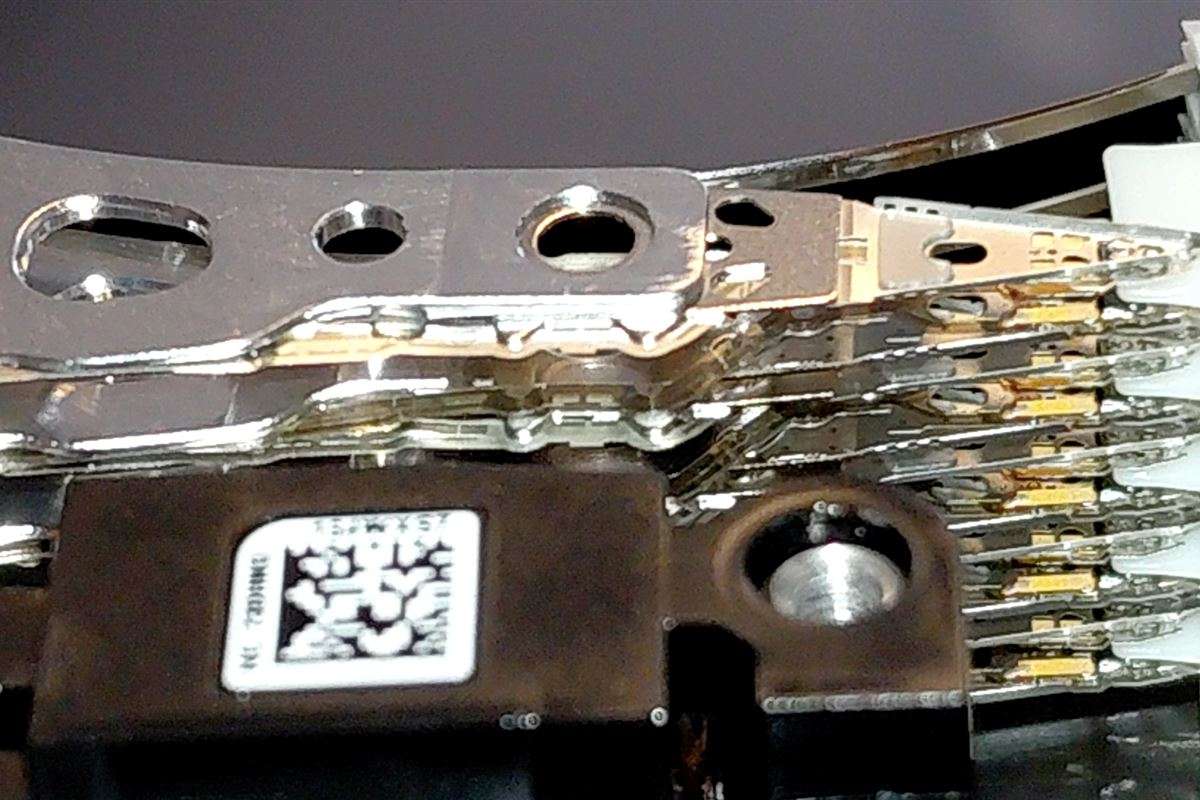
Decision table
| Situation | Recommendation | Why? |
|---|---|---|
| A file was deleted, the disk works normally | Software can be tried | The disk is healthy; the file's space has only been marked as free |
| Software was already tried to recover the deleted file | Lab | Recovering your data may be possible with professional work |
| The disk is detected but will not open (RAW) | Be careful; ideally work on a copy | Operations that write to the disk can cause damage |
| Clicking, scraping or beeping noise | Lab | Software forces the disk to read |
| The disk is not detected at all | Lab | Software cannot recover a disk the computer cannot see |
| Dropped, got wet, burned | Lab | There is physical damage |
| A RAID or NAS has crashed | Lab | If the array structure is damaged, the data can be lost permanently |
| Deleted on an SSD, TRIM may have run | Contact us immediately | Time is critical |
If you are going to use software, watch out for these
- Install the software on a different disk, not on the faulty one.
- Save the recovered files to a different disk. Do not save them to the same disk.
- If the disk starts making noises or freezing, stop the process.
- If your data matters, avoid trying things yourself. During such attempts the disk can become unusable or your data can become unrecoverable.
Do free programs damage the disk?
The software does no harm in itself, but it reads the disk from start to finish. On a healthy disk this causes no problem. A mechanically weakened disk may not be able to cope with that load. Installing the software on the same disk or saving the recovered files to the same disk can overwrite the deleted data directly.
I tried software first. Is it too late for a lab?
No, but tell us exactly what you did. If anything was written to the disk, or if the disk started clicking while the software was running, recovery may have become harder. Telling us which program you used, which disk you installed it on and where you saved the files makes the job easier.
How long does it take and how much does it cost?
Standard jobs take 10 business days on average, urgent jobs 24 business hours on average. The actual time depends on the type of fault, sourcing the parts needed and the capacity of the disk. Some jobs are completed within a few hours, while others can take months.
The price depends on the type of fault, the parts needed and the time the work takes. After the analysis we send you the exact price in writing. If you do not accept the quote, you get your device back without paying. Not every case falls within the free analysis scope. For requests outside the free analysis scope, you receive written information about the analysis fee before any work begins. For details, see what determines the price and how long it takes.
Can the data always be recovered?
No. If recovery software finds nothing, that does not mean the data is lost, but the software having written to the disk can reduce the chance of recovery. We cannot know the outcome without carrying out an analysis. After the analysis, you will be informed about the situation.
Frequently asked questions
What happens if I run software on a disk that is clicking and the heads are knocking?
The software tries to read the disk from start to finish. If the read heads already have a problem, every attempt can do more damage to the platter. If there is a clicking noise, do not use software.
The files the software finds turn out corrupted. Why?
Parts of the file may have been overwritten, or the disk is giving errors while being read. In this case it is better to have the situation assessed than to keep trying.
Does software work for files deleted from an SSD?
If TRIM has run it becomes harder, and sometimes it is not possible. It is important to stop using it immediately and contact us. For details, see our SSD page.
Do I pay anything if I don't accept the quote?
No. If you do not accept the quote after the analysis, you get your device back without paying. In cases where it cannot be foreseen at which stage the data will become reachable, the price may be set after the data has been recovered, based on the time and resources spent on the work. In that case you are under no obligation to pay. Not every case falls within the free analysis scope. For requests outside the free analysis scope, you receive written information about the analysis fee before any work begins.
Let's assess your situation together: call 0212 909 56 19 or write to us on WhatsApp. See our contact page for the address and opening hours.
If you are not sure what to do, call us first
Tell us about your situation and we will tell you what to do as a first step.